LG UltraGear Monitors Reportedly Auto-Install Adware on Windows PCs
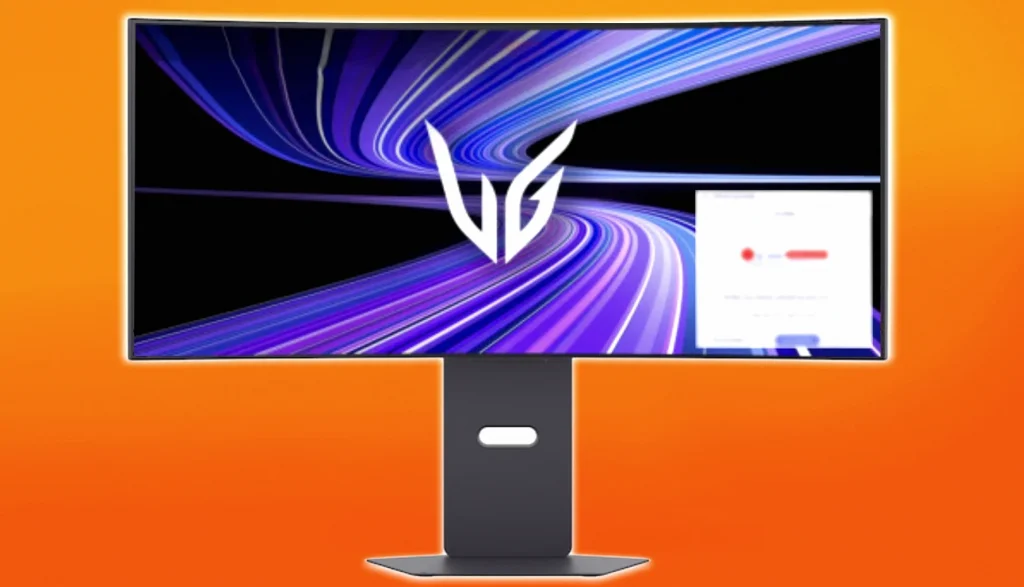
LG is drawing fresh consumer backlash after multiple reports claim its UltraGear monitors quietly install an advertising component on Windows PCs—without asking for permission—alongside broader concerns about how LG smart TVs handle voice and usage data.
Claims: “LG Monitor App Installer” auto-installs and serves ads
Investigations from a hardware creator say owners of several LG UltraGear models have been spotting an extra program named “LG Monitor App Installer” appearing on their systems. The app, they claim, is used to display advertisements, including promotions tied to McAfee products such as “McAfee Scam Detector.”
In a demonstrated test with an LG 34GX900A-B model, the host said the adware-like behavior could be replicated simply by plugging in the monitor and turning it on. The program reportedly installs very quickly after the monitor drivers, then runs in a way that grants it broad access to the system.
Reported permissions and data access scope
The investigation claims that once installed, the “LG Monitor App Installer” is granted permission to use “all system resources” and access the internet connection. It also alleges the software can collect a range of information, including geolocation, device data, online activity, contact data, user credentials, and transaction data.
The same report states the installer runs without any prompt or consent step, and that this behavior was consistently repeatable across multiple Windows 11 machines. It also claims the installer can appear almost immediately after driver installation, without additional notification.
Pop-ups seen at every boot, including older monitors
The host described the installer as an on-startup application that auto-installs silently in the background. They warned that many users may never notice it if it doesn’t show up in the Start menu, since it can operate without overt interaction.
A recurring pop-up ad is described as appearing every time the PC boots. In the example given, the advertisement recommends a 30-day free trial of McAfee Premium and is tied to the “LG Monitor App Installer” running after startup.
The report also claims similar behavior was seen on LG monitors up to three years old after a Windows update.
Is it actually spying on what’s on-screen?
While the investigation says it does not have proof that LG captures or records the pixels on the screen, it emphasizes concern about how acceptable behavior could shift over time. The creator frames the worry as a future possibility rather than a confirmed capability at the time of testing.
Why this is different from traditional “bloatware”
The report notes that bundled software is nothing new, since preloaded applications are common across PCs—often stemming from business arrangements between hardware makers and software providers. However, the creator argues that this specific case is unusual because it involves a peripheral device—rather than a fully Windows-loaded computer—installing ad-driven software intended to push McAfee and other services through an LG software layer.
Affected models include a high-demand OLED
Among the monitors referenced as being linked to the issue is the LG 39GX950-B OLED model, which has been described as widely sought after by gamers.
LG TV data disclosure ties to a Texas settlement
LG has also faced scrutiny on the television side. A recent TV update reportedly introduced “AI-based service terms” related to voice recognition and included language stating that users are responsible for obtaining consent from third parties whose voices might be captured by the product.
The disclosure is described as stemming from an agreement involving Texas Attorney General Ken Paxton. The deal, reached in May, required LG smart TV software to show a pop-up describing how usage data would be collected and to provide a clear, simple way for users to opt out of any viewing-data collection arrangements.
What users can do now
LG monitor owners are advised to check installed applications and startup items, then uninstall anything they don’t want running in the background. The report also suggests using the Local Group Policy Editor to block automatic application downloads, though it notes that this tool is not installed by default on newer Windows setups.
At minimum, the creator recommends regularly reviewing recent installations to catch unexpected software like “LG Monitor App Installer.”
LG was contacted for comment, and the investigation notes it would be updated if a response is received.