Shift at Midnight Guide: Boost Your Shop Rating to Earn More Over 13 Nights
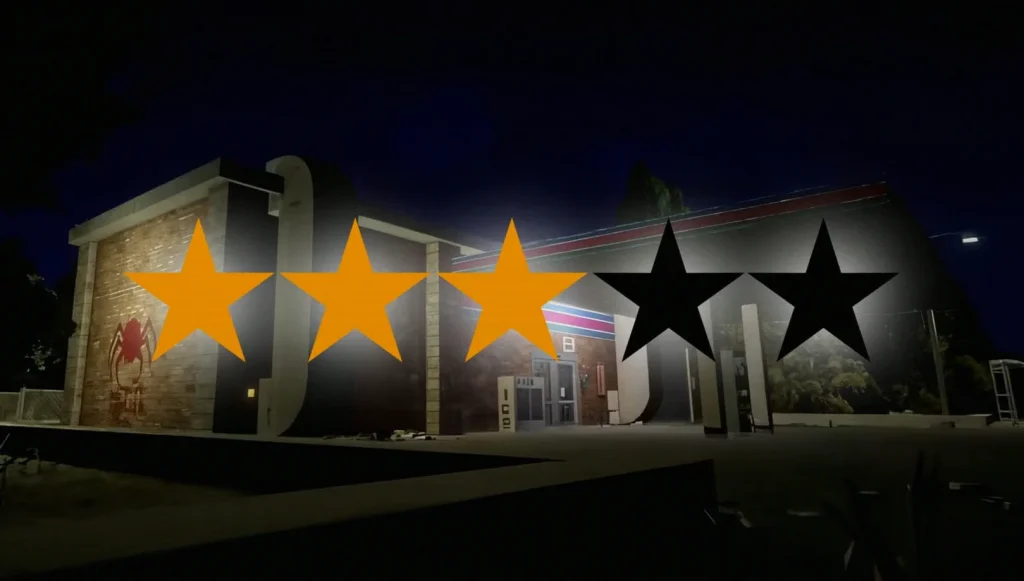
In Shift at Midnight, your income is tied closely to how well your shop performs across a tight 13-night window—so anything that boosts sales matters. One of the most direct levers you can control is your shop rating, since a higher rating encourages customers to spend more during visits.
Quick facts: improving shop rating
- Use the store computer to open the Shop tab and buy decor items.
- Each decor item adds a specific amount of Decor Points to your shop.
- You can replace available items by using Refresh Shop.
- Orders arrive via a delivery truck and drop into the storage room for pickup.
- Placing items in the shop increases your rating after delivery.
- Restock shelves and handle rats and cockroaches quickly to prevent rating drops.
- Check current rating through the computer’s Reviews tab.
The fastest route to a better shop rating is to increase your store’s decor. Start by interacting with the computer in your shop and opening the Shop tab. From there, pick any decorative item you want—every item lists how many Decor Points it will contribute to your shop.
You don’t need to overspend to see progress. Even lower-cost decor, such as a Small Plant, can provide a solid number of Decor Points. If the current selection doesn’t fit your plan, you can hit Refresh Shop to swap in a new set of items.
While the shop is useful for decor, it isn’t limited to decoration. The same shop menu can be used to buy healing items, traps, product boxes, and other supplies—so you can keep both your store rating and your day-to-day survival needs in check.
Buying decor doesn’t drain your personal funds. That means if you spot something more expensive—like Aisle Signs—you can purchase it without worrying about direct personal cost.
Place decor to convert points into rating
After you purchase an item, you’ll need to wait for the delivery truck. When it arrives, it drops your order into the storage room, where you can retrieve it and place it inside the shop. Only after you physically place the item will its Decor Points start contributing to your shop rating.
As nights go by, hazards will also start showing up inside your store. Rats and cockroaches begin appearing after a few nights, and you’ll want to deal with them immediately to avoid your rating falling. In addition to cleaning up pests, restocking shelves periodically helps keep the shop running smoothly.
Shop rating matters because it directly influences customer behavior: higher ratings make customers more likely to buy extra items. With just 13 nights to earn enough for your pet’s treatment, those additional purchases can be the difference between meeting your goal or falling short.
If your rating drops too low, the store manager will contact you and request improvements. To monitor progress, use the computer again and open the Reviews tab to see the shop’s current rating.