iOS 27 Lets iPhone Users Control Alarm Volume Separate From Ringtones
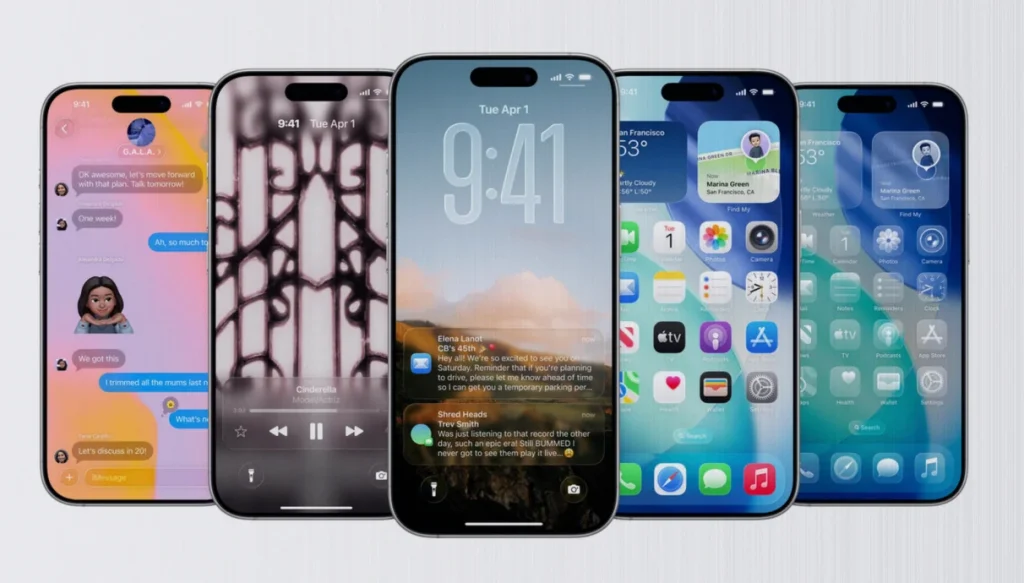
Apple is changing how iPhones handle alarm volume in iOS 27, letting users separate the sound level of the alarm clock from the ringtone—fixing a long-standing coupling that often made alarms unexpectedly quiet or painfully loud.
What’s changing in iOS 27
For years on iPhone, the alarm clock’s volume has been directly linked to the ringtone volume. Adjust the ringtone, and the alarm changes in the same direction. With iOS 27, the current iPhone betas introduce the ability to decouple those two controls so they can be set independently.
- The alarm clock volume can be set separately from the ringtone volume in iOS 27.
- With the link disabled, changes to the ringtone no longer affect how loud the alarm sounds.
- This addresses the confusion users previously faced when alarms were unexpectedly too loud or too quiet.
Where the new controls appear
In iOS 27, a new settings entry shows up under “Sounds & Haptics.” It adds a dedicated section for “Alarm & Timer,” alongside the existing “Ringtone & Alerts.”
From there, users can disable the coupling and then adjust alarm volume using its own slider. If they prefer the older behavior, iOS 27 also allows users to keep the previous single-control approach for both alarm and ringtone.
Independent volume for alerts and system sounds
iOS 27 extends the same idea beyond alarms. Notifications and system sounds can also be controlled independently of ringtone volume.
- A new “Sounds & Haptics” entry is added for notifications and system sounds.
- Disabling the option reveals a separate volume slider for these sounds.
- When enabled, it controls levels for items like incoming messages and keyboard input sounds.