Subnautica Updates Live on Nintendo Switch 2 With New Graphics Presets
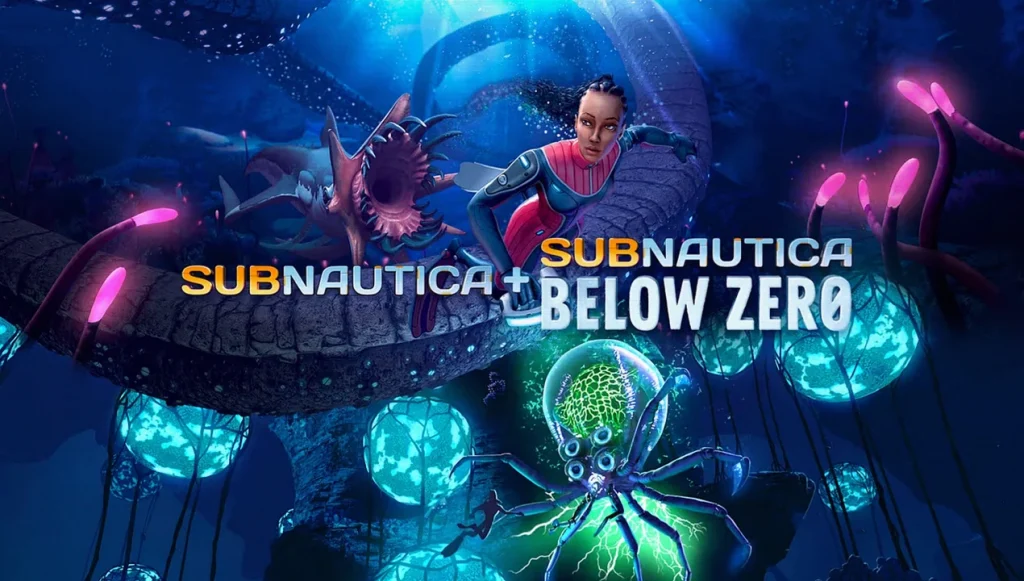
Subnautica and Subnautica: Below Zero have both received fresh updates on Nintendo Switch 2, with patches now live. The biggest change is new graphics preset support that lets players trade off resolution, shadows, and target frame rate—alongside a set of usability and gameplay fixes ranging from UI wording to camera and saved-screen issues.
Graphics presets: three ways to tune performance
Both games now include three selectable graphics modes designed around common player priorities. Instead of one fixed configuration, Switch 2 players can choose between a balanced default, a performance-first option, or a quality-focused setting that targets a lower but steadier frame rate.
- Balanced: Shadows enabled, targeting up to 60fps. Resolution targets are 1080p in handheld and 1440p docked.
- High Framerate: Shadows disabled and resolution reduced to maximize frame rate. Resolution targets are 720p in handheld and 1080p docked.
- High Quality: Shadows enabled with a steady 30fps target. Resolution targets are 1080p in handheld and 1440p docked.
For players, this matters because Subnautica’s performance can be sensitive to scene complexity—especially in heavier environments—so being able to switch presets should make it easier to hit the experience each player prefers without restarting or waiting for additional tuning.
Patch fixes beyond performance
The updates also address several smaller but practical issues affecting day-to-day play and UI behavior. The patch notes include terminology corrections for Nintendo Switch 2-specific inputs and interface text, plus multiple bug fixes that can affect building, camera behavior, and saved-game presentation.
- Updated terminology to use “Joy-Con 2”.
- Changed text on the Submit Feedback page from “Click” to “Press”.
- Fixed a round Multipurpose Room visual problem where metal trim was missing at the bottom when rooms were stacked vertically.
- Fixed the drone camera clipping into the environment if the character dies while using the Scanner Drone.
- Fixed a debug menu that was incorrectly available.
- Fixed saved games showing incorrectly sized screenshots when switching between handheld and docked modes.
Why these changes are likely to matter on Switch 2
Switch 2 owners often expect games to expose meaningful control over performance characteristics, and this update does exactly that by adding selectable presets rather than a single compromise setting. The combination of framerate targets and resolution/shadow adjustments should help players keep stable pacing in dense underwater scenes, while the quality and balanced options support players who value visuals.
Meanwhile, the other fixes target friction points that can break immersion or disrupt building and progression—visual attachment details in base construction, camera interactions during Scanner Drone use, and presentation issues when moving between handheld and docked play.
What’s next for players
Since the patches are already live on Nintendo Switch 2, players can immediately check the new preset options in-game and choose the mode that best fits their setup and tolerance for shadows versus performance. With the additional stability and UI corrections included for both titles, the updates also reduce the odds of encountering the listed issues during normal sessions.