Windows 11 KB5121003 Stability Issues Blamed on System-Level RGB Drivers
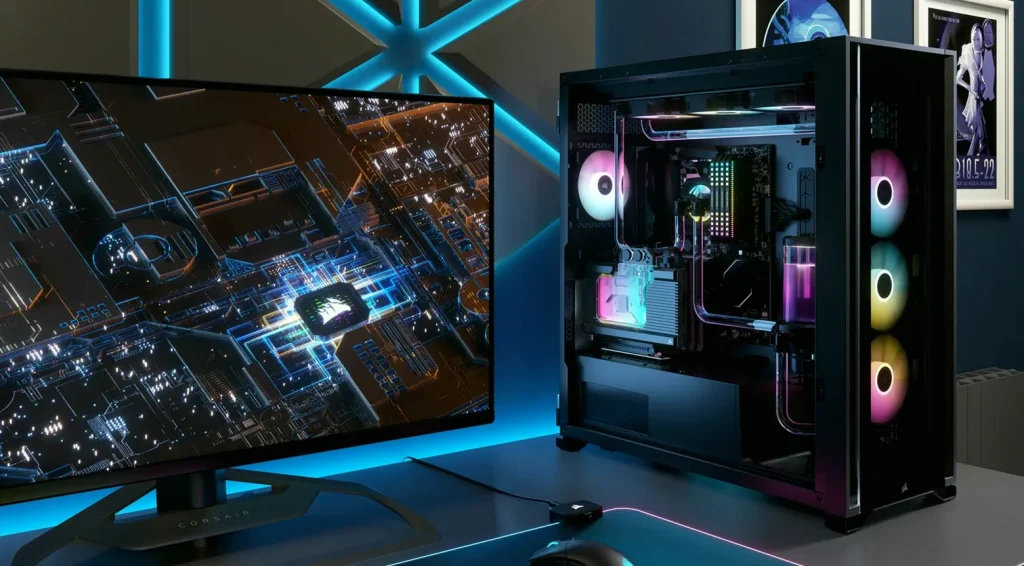
Windows 11’s latest cumulative update, KB5121003, has triggered serious stability issues for some players using peripherals and internal components with RGB lighting. Instead of just losing lighting effects, affected PCs can crash, freeze, or restart when launching certain games.
Microsoft says the root cause is not the RGB hardware itself or RGB control software, but a system-level file commonly used by many RGB applications to manage lighting. The company’s investigation points to a relationship between those RGB-related components and the way some games interact with the driver during startup.
Quick facts
At a glance
- Windows 11 cumulative update: KB5121003
- Reported symptoms: freezes, unexpected app closures, blue screens, and system restarts
- Error signature mentioned: EXCEPTION_ACCESS_VIOLATION
- Microsoft identifies an RGB-related driver file as the trigger: inpoutx64.sys
- Affected games mentioned include ARC Raiders, Marvel Tōkon: Fighting Souls, and The Finals
- Microsoft has not released a final fix yet
- Current workaround: disable the driver via Windows Registry (with potential RGB software side effects)
The driver behind the problem
Microsoft’s diagnosis centers on a low-level driver that many RGB control applications install. The file in question, inpoutx64.sys, is often bundled by motherboard, fan, memory, and other peripheral makers, acting as a bridge between lighting software and device hardware.
The issue is that this bridge operates at a privileged operating-system layer (kernel space), which it “shouldn’t touch” for typical lighting control. When certain games run after the KB5121003 update, that interaction can set off a chain of failures.
Which games are affected—and what goes wrong
In the period following KB5121003, multiple titles have been reported to trigger crashes when they interact with systems that contain the inpoutx64.sys driver. Microsoft specifically notes that the problem can occur when launching certain games, including ARC Raiders, Marvel Tōkon: Fighting Souls, and The Finals.
Depending on the system, users may see freezes, unexpected program closures, blue screens displaying EXCEPTION_ACCESS_VIOLATION, or automatic reboots. The problem is framed as a conflict between the game’s runtime behavior and the RGB driver’s behavior after the update.
Why anti-cheat can make it worse
Microsoft also explains the mechanism behind the crash pattern: many anti-cheat systems treat this kind of driver as risky because it runs with elevated privileges. If anti-cheat blocks or prevents the driver from running, RGB software may still attempt to communicate with it.
That mismatch—anti-cheat restrictions on a privileged driver versus lighting software expecting it to be available—can lead Windows to fail in a way that results in crashes or instability.
Microsoft’s status and the temporary workaround
Microsoft acknowledges the bug but has not published a definitive, permanent fix yet. The only official guidance provided so far is to disable the driver through the Windows Registry.
However, that workaround can come with trade-offs: disabling inpoutx64.sys may prevent parts of RGB control software from working correctly, or cause unexpected behavior in some lighting setups. Embark Studios—developer of two of the affected games—has shared a temporary method to remove the driver and avoid crashes, but it also requires giving up some lighting functionality.
This incident highlights how Windows updates can expose compatibility problems across a wide mix of hardware, RGB software stacks, and security mechanisms used in games. In this case, the combination of an older privileged driver (inpoutx64.sys), strict anti-cheat behavior, and the KB5121003 update has left some players unable to run their games reliably.