AI Power Management on PCs Can Slash Electricity Use by Up to 30%
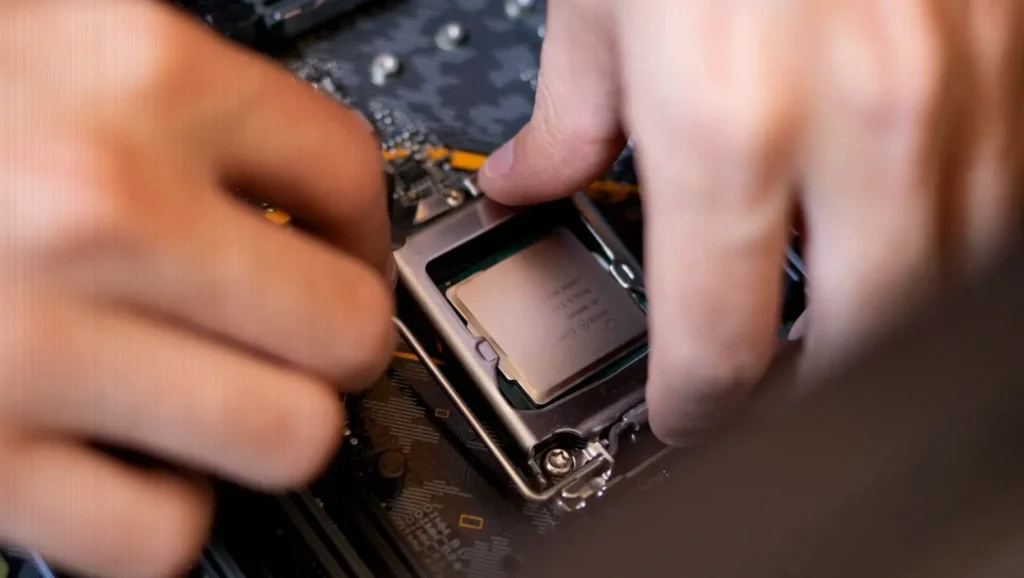
AI-based power management can cut PC electricity use by up to 30% by continuously adapting the hardware’s power delivery to what you’re doing—without you changing settings—while still maintaining performance when load is high.
How AI-style power management reduces PC electricity use
The key difference from older systems is that today’s motherboards can adapt in real time instead of relying on fixed rules. Rather than applying the same electrical settings regardless of workload, the system adjusts based on your current activity.
- Real-time adjustment to your workload: running a browser is treated differently than gaming or video editing.
- Less constant “capacity” use: the PC does not keep all parts of its internal power delivery active all the time.
- Fast power delivery when needed: when performance requirements rise, sections of the power system can be re-enabled in milliseconds without noticeable disruption.
- Tighter voltage control: the processor can operate with reduced safety margins, allowing more precise tuning while keeping stability in mind.
What changes in practice (and what doesn’t)
This approach mainly eliminates wasted energy, which also helps reduce heat and improve overall efficiency during everyday tasks. The PC isn’t becoming faster on its own—it’s spending less power when you’re not using the full capability of your components.
- When you’re doing light work: more of the internal power system can be scaled down, lowering consumption.
- When you need full performance: for gaming, video editing, or heavy applications, the PC still has to draw the power required for the workload. The system may optimize when there’s headroom, but it can’t make hardware consume less if you’re already using it at maximum.
Why the savings happen “automatically”
Unlike a software tool you open and close, the adaptation occurs underneath the operating experience—through how the PC manages power delivery on the motherboard. You don’t need to configure anything for the behavior to take effect; the equipment continuously follows your usage patterns over time.
Quick FAQ: AI and PC power consumption
Does this improve performance?
No—its purpose is efficiency. It reduces waste when load is lower, which can lower heat and help electricity usage, but it doesn’t create extra performance if your workload already requires maximum power.
Will it save power while gaming or editing video?
Savings are limited in those situations. When you’re using the components heavily, consumption remains largely tied to the amount of work being done. The system can still optimize around the edges, but it cannot “turn down” real performance demand without affecting the experience.
Do I need to change any settings?
Not as described here. The adjustments happen automatically through the hardware’s power management behavior, based on what you’re running at the moment.