Windows 11 KB5121003 Update Linked to Game Crashes and Black Screens
A mandatory Windows update released for Windows 11 is tied to game crashes—and, in some cases, system instability—sparking fresh workarounds from a studio and additional reports of graphics issues. The problem centers on KB5121003, which has been linked by players to crashes in titles including Arc Raiders and The Finals, alongside reports of black screens, refresh-rate changes, and HDR-related glitches.
Update details and affected Windows 11 versions
| Item | Details |
|---|---|
| Windows 11 editions/versions | 24H2 and 25H2 |
| Update | August update KB5121003 |
| Reported outcomes | Game crashes; potential full PC instability; graphics changes; black screens |
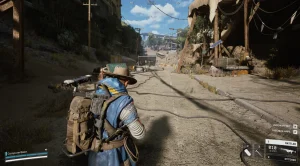
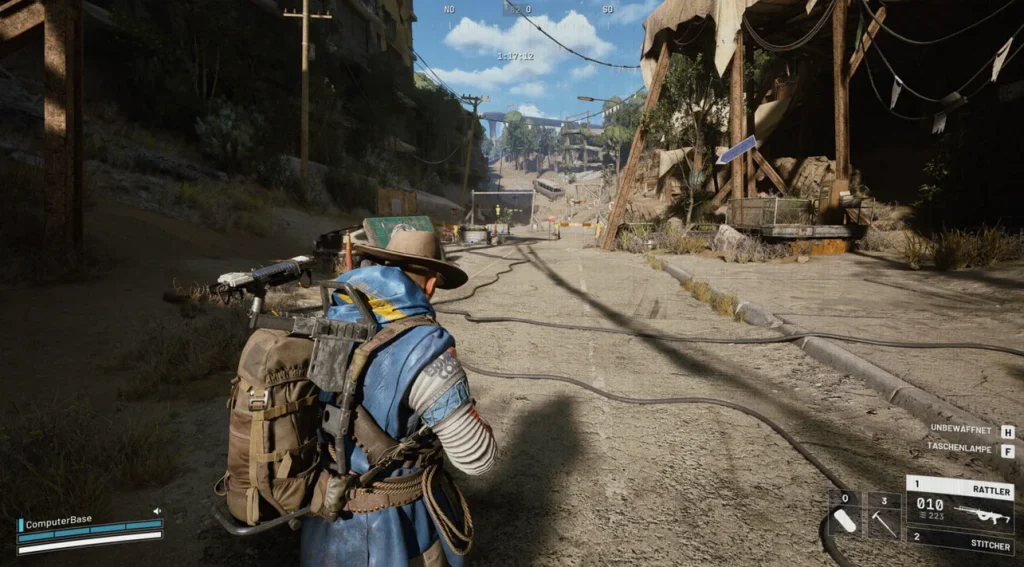
Arc Raiders developer Embark says it is aware of crashes that started after the release of KB5121003 and that the issue may impact some players. The studio is working on a fix, but for now it has shared a workaround for Arc Raiders specifically.
Crash reports include Arc Raiders and The Finals
Players have linked the update to crashes in multiple games, including Arc Raiders, The Finals, and Marvel Tokon: Fighting Souls. On Reddit, some reports go further than a game-to-desktop failure, describing situations where installing the update can destabilize the entire PC.
Those reports also cite error messages such as “Hang detected on GameThread” and “EXCEPTION_ACCESS_VIOLATION,” pointing to serious runtime failures rather than a typical performance regression.
Embark points to a third-party kernel driver
Embark attributes the Arc Raiders crash behavior to a file named inpoutx64.sys. The studio describes it as a third-party kernel driver that manages port access, and notes that it has been subject to long-running criticism from an IT security researcher. Embark says it can’t yet confirm what specifically changed to trigger the incompatibility, but it suspects that something in the current environment may be interacting differently with the driver.
Some player reports also mention crashes involving anti-cheat software, again tied back to the August Windows update.
Arc Raiders workaround: remove inpoutx64.sys (and optionally registry entries)
Embark’s guidance for affected Arc Raiders players focuses on whether the inpoutx64 driver is present on the system. The studio provides a command to check availability and then a step-by-step removal process before restarting.
- Step 1: Run Command Prompt as administrator, then execute: sc stop inpoutx64 and sc delete inpoutx64.
- Step 2: Open File Explorer, go to C:\Windows\System32\Drivers, and delete inpoutx64.sys. If Windows reports the file is still in use, repeat Step 1 and try again.
- Step 3 (optional): Remove related notes from the Registry. Open Registry Editor (Regedit), locate the service entry under HKEY_LOCAL_MACHINE\SYSTEM\CurrentControlSet\Services\inpoutx64, and delete that inpoutx64 entry as well.
After completing the steps, Embark instructs players to restart the PC. The studio adds an important caveat: if installed tools on the system use that driver, the driver may be reinstalled automatically in the background.
Embark specifically calls out that monitoring and peripheral control software can be responsible—especially tools for hardware monitoring and for RGB lighting and fan control.
Uninstalling the August update reportedly resolves the issue
Some affected players report that removing the entire August update eliminates the problems. However, uninstalling that update also removes security updates included in the same batch. The report notes that for Windows 11, August alone included around 230 security updates, and across Windows overall the total was reported as more than 400.
Because of that tradeoff, Embark’s workaround is presented as the first option to test rather than immediately uninstalling the update.
Graphics side effects: refresh rate changes, HDR issues, and black screens
The issue isn’t limited to game crashes. Additional reports describe display-related behavior after installing the August update, including sudden refresh-rate changes. One cited example involves a system changing from 240 Hz to 60 Hz during gameplay.
Players also report problems affecting HDR settings, along with black screens. As with the crash reports, it isn’t currently clear how many systems are impacted overall.
Microsoft acknowledges the crash issue; no patch yet
Microsoft has officially confirmed that the August update can cause game crashes. At the time of reporting, neither a patch nor an official workaround had been released. Investigation is still ongoing into whether the failures originate from Microsoft’s update itself.